


 Krit Ariyathiti

AI image and video generators let a small business make product visuals, social graphics and short clips without a studio. Yet the market moves fast, prices change often and the licence terms matter as much as the image quality. This guide compares the main tools for marketing use as of November 2026, explains commercial rights and shows when you must label AI media. Also, this guide looks at Adobe Firefly and Runway in detail.
Quick answer: For images you plan to sell with, Adobe Firefly is the safest start, because Adobe says outputs from its own models can be used commercially and that it trains on licensed and public-domain content. For video, Google's Veo (inside Google AI plans) and Runway are common picks, and Kling is often named as a budget option. Several 2026 reports say OpenAI retired its Sora video app, so check status before you plan around it. Always read the licence, and label realistic AI media where platforms require it.
What can AI image and video generators do for marketing?
AI image and video generators turn a text prompt, or an existing photo, into new visuals. For example, you can make a background for a product shot, a banner for a sale, a mood board for a campaign or a short animated clip for social media.
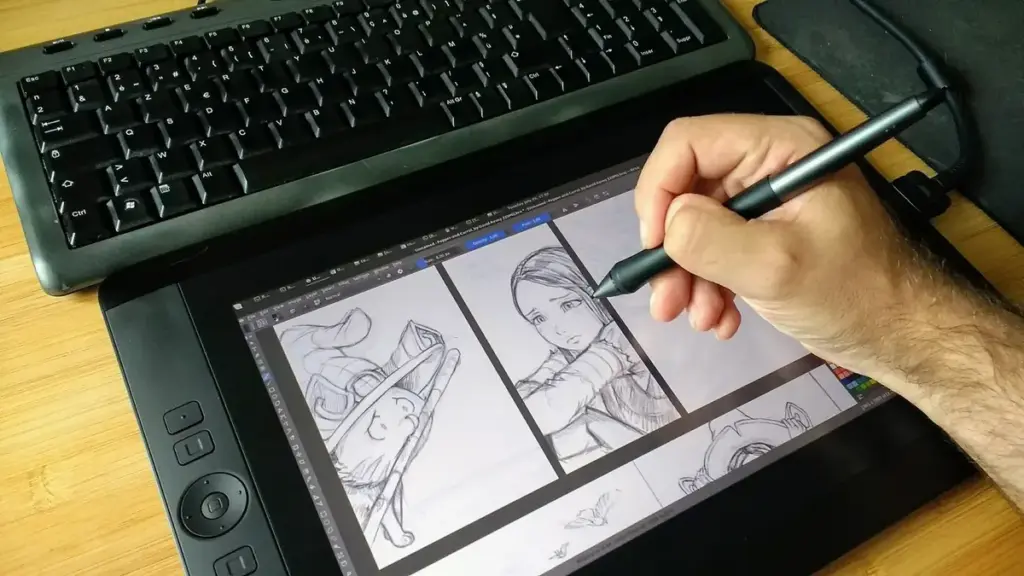
However, they work best as helpers, not replacements for real photos. Customers still want to see your actual product, your real shop and your real team. So, use AI for backgrounds, concepts, illustrations and motion graphics. Then keep real photography for anything that shows what people will actually buy.
Which AI image generator for commercial use is safest?
Among AI image and video generators, an AI image generator for commercial use should give you clear rights to the output. In addition, it should be open about what data trained it. The table summarises common choices as of November 2026. Licence terms change, so read each vendor's terms before a campaign.
| Tool | Commercial use | Notes |
|---|
|—|—|—|
| Adobe Firefly | Adobe states outputs from Firefly models can be used commercially | Trained on licensed and public-domain content, per Adobe; partner models follow their own terms |
|---|---|---|
| Midjourney | Paid plans allow commercial use, per review sites | Larger companies may need higher tiers; check Midjourney's terms |
| Canva AI | Available inside Canva plans | Handy for quick social graphics; limits vary by plan |
| Gemini and ChatGPT image tools | Included in the assistants | Check each vendor's usage terms for commercial projects |
Source for Firefly: Adobe Firefly plans. The others come from 2026 review sites and should be confirmed on each vendor's own page.
How does Adobe Firefly compare on price?
Adobe Firefly sells plans by generative credits. As of November 2026, Adobe lists Firefly Standard at US$9.99 a month with 2,000 credits, Firefly Pro at US$19.99 with 4,000 credits and higher plans at US$49.99 and US$199.99 (Adobe). Images and video use credits at different rates, so heavy video work costs more.
Because of its stated training data, Firefly is a common choice for brands that worry about copyright. Even so, Adobe notes that partner models inside Firefly follow their own terms. Therefore, check which model made each asset if you work for a careful client.
Which AI video generator should you try first?
An AI video generator turns text or images into short clips, and this half of AI image and video generators moves fastest. Quality improved sharply during 2026. Still, clips are short, motion can look odd and hands, text and logos often come out wrong.
Here is how the main options compare as of November 2026:
- Google Veo: available through Google AI plans; Google's Thai plan page shows video generation on Plus, Pro and Ultra with rising limits (gemini.google).
- Runway: Runway lists Standard at US$15 a month, Pro at US$35 and Max at US$95, with lower prices billed yearly, and 125 one-time free credits (runway.com/pricing).
- Kling: often described in 2026 reviews as the value pick with free daily credits; check its site for current plans.
- Sora: several reports say OpenAI shut the Sora app in April 2026 and its API in September 2026, so do not build a workflow around it without checking.
Then start small. Make a five-second product loop or an animated background, not a full advert. Pair AI motion with your real footage for the best results.
What are Runway's strengths?
Runway is built for editing and creative control. For instance, it offers tools to extend clips, change styles and edit parts of a video, not only to generate new ones. As a result, it suits marketers who already edit video and want AI inside that work. Also, ask what Runway adds to your current editing tool before you pay, because Runway is strongest when you already have footage to refine.
Meanwhile, the credit system means costs rise with length and quality. So, plan shots on paper first, write precise prompts and generate several short takes. Our AI prompts for marketing guide shows how to describe a scene clearly.
Do you need to label AI-generated images and video?
Often, yes. YouTube asks creators to disclose realistic altered or synthetic content that viewers could mistake for real, while obvious animation and effects are exempt (YouTube). TikTok asks creators to label realistic AI-generated content. Meta adds an "AI info" label to detected or self-disclosed AI media.
In the European Union, AI Act transparency duties for deepfakes took effect on 2 August 2026, according to legal guides. Therefore, if you advertise to EU customers, label realistic AI people, places and events clearly. We cover platform rules in more depth in our AI for content marketing guide.
What should you never create with AI?
AI image and video generators can also be misused, and some uses risk legal trouble and lost trust. Avoid these:
- Fake people giving reviews: AI faces presented as real customers mislead buyers.
- Fake product results: never show results your product cannot deliver.
- Real people without consent: do not copy a celebrity's or private person's face or voice.
- Other brands' logos and characters: trademarks and copyrighted characters belong to their owners.
- Fake events: realistic scenes of news events can mislead and may breach platform rules.
In short, if a viewer would feel tricked on learning it was AI, either label it or do not make it.
How do you build a simple AI visual workflow?
A practical workflow for AI image and video generators takes four steps. First, write a short creative brief with the goal, audience, format and brand colours. Second, generate several options in your chosen tool. Third, edit the best one in a normal design app, adding your real logo, text and product photo. Fourth, save the prompt and settings, so the next asset matches.
Also, keep a folder of approved AI assets with notes on the tool and licence used. That record helps if a client or platform asks later.
Need help with AI visuals for your brand?
Develop Marketing helps businesses with social media, AI content, SEO, AEO and GEO, WordPress websites and advertising. See our services page, which is in Thai, or contact us.
Frequently asked questions
Often yes, but it depends on the tool and plan. Adobe states Firefly model outputs can be used commercially. Read each vendor's terms, and avoid trademarks and real people's likeness.
Several tools offer free credits. Runway gives 125 one-time free credits, and Kling is often noted for free daily credits. Free tiers are fine for tests, but paid plans give longer and better clips.
Several 2026 reports say OpenAI shut down the Sora app in April 2026 and the API in September 2026. Check OpenAI's official announcements for the current status.
They can if they hide what your real product looks like. Use AI for backgrounds, concepts and graphics, and keep real photos for products and places.
For realistic images and video, often yes. YouTube, TikTok and Meta have disclosure labels, and EU rules require labels for deepfakes from August 2026.
Final thoughts
AI image and video generators are now practical tools for small marketing teams. Choose tools with clear commercial terms, keep real photos for real products, and label realistic AI media. Start with short, simple assets, then build a repeatable workflow. Next, see how visuals fit a wider plan in our best AI tools for small business guide and our TikTok marketing guide.










