


 Krit Ariyathiti

A social media content calendar is a simple plan that shows what you will post, where and when. This guide explains how to build one step by step, how to choose content pillars and a balanced content mix, how to set a realistic posting frequency, which tools help with social media scheduling and how to use a free content calendar template, so your team posts steadily without last-minute stress.
Quick answer: To build a social media content calendar, set one goal per channel, choose three to five content pillars, decide how often you can post, and fill a monthly grid with dates, platforms, formats and captions. Then batch-create content, schedule it with a tool such as Meta Business Suite, and review results once a month. Keep about one slot in five free for trends and news.
What is a social media content calendar?
A social media content calendar is a shared plan for your posts. At its simplest, it is a spreadsheet with dates in one column and post ideas in the next. However, a good calendar also records the platform, the format, the caption, the visual and the status of each post.
Why does it matter? First, it keeps you consistent, which helps audiences remember you. Second, it saves time, because you plan once and create in batches. Third, it makes teamwork easier, since everyone can see what is coming next.
Also, a calendar connects daily posts to bigger goals. For example, a hotel might plan posts around school holidays, festivals and the rainy season. Our content marketing strategy guide explains how to set those goals first.
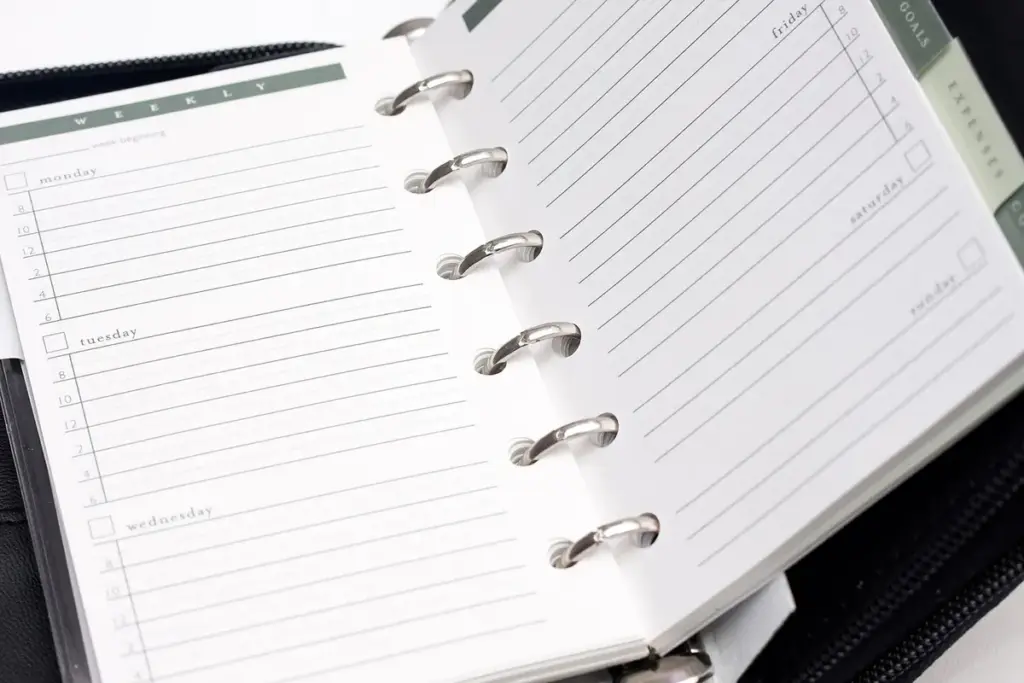
How do I build a social media content calendar step by step?
Follow these steps once, then repeat them every month.
- Set goals per channel. For example, TikTok for reach, Instagram for brand image, Facebook for local customers and LINE for repeat sales.
- Know your audience. List their main questions, problems and interests.
- Choose content pillars. Pick three to five themes you will post about again and again.
- Decide your posting frequency. Choose a pace you can keep for three months.
- Mark key dates. Add holidays, launches, sales, events and seasons.
- Fill the grid. Assign a pillar, platform and format to each slot.
- Create in batches. Write captions and film or design several posts in one session.
- Schedule. Load posts into your scheduling tool.
- Review monthly. Keep what works and drop what does not.
In addition, assign an owner to each task. When everyone knows who writes, designs and approves, posts go out on time.
How do I choose content pillars and a content mix?
Content pillars are the main themes your brand talks about. They keep your feed varied but focused. So, choose themes that connect your audience's interests with what you sell.
Here is an example for a small café:
- Menu and new items: photos and short videos of drinks and dishes.
- Behind the scenes: roasting coffee, baking and the team at work.
- Local life: nearby events, places and tips.
- Customer moments: reviews and photos shared with permission.
- Tips and education: how to brew coffee at home.
Also, plan your content mix: balance helpful and promotional posts. Many marketers suggest keeping most posts useful or entertaining and only a smaller share openly salesy. Although there is no official ratio, a content mix that is all ads rarely grows.
What posting frequency should I choose?
There is no single correct posting frequency. Instead, match it to your team and your channels. Above all, consistency matters more than volume.
| Channel | Starter pace for a small team | Main format |
|---|
|—|—|—|
| TikTok | 3 to 5 videos a week | Short vertical videos |
|---|---|---|
| 3 posts a week plus Stories | Reels and carousels | |
| Facebook Page | 3 to 5 posts a week | Reels, photos, updates |
| YouTube | 1 long video a week or every two weeks, plus Shorts | Tutorials and stories |
| LINE Official Account | 1 to 2 broadcasts a month | Offers and news |
These are starting points, not rules. Then adjust after a month, based on reach and engagement. For platform details, see our guides to TikTok marketing, Instagram marketing, Facebook Page growth and growing a YouTube channel.
Which tools help with social media scheduling?
Social media scheduling tools publish posts for you at set times. As a result, you can create content on a quiet day and still post during busy weeks.
- Meta Business Suite schedules posts for Facebook Pages and Instagram from one calendar, at no cost.
- Instagram's own app lets professional accounts schedule posts and Reels. According to Instagram's Help Centre, you can schedule up to 75 days ahead and up to 25 posts a day, as of November 2026.
- TikTok Studio and YouTube Studio both offer scheduling for their own platforms.
- Third-party tools can manage many platforms at once, often with paid plans.
Also, keep a simple backup. For example, store final captions and files in a shared folder, so anyone on the team can post if a tool fails.

What should a content calendar template include?
A good content calendar template is simple enough that people actually use it. You can build one in Google Sheets, Excel, Notion or a paper planner. Here are the columns that matter most:
| Column | Example |
|---|
|—|—|
| Date and time | Tue 12 Nov, 18:00 |
|---|---|
| Platform | |
| Pillar | Tips and education |
| Format | Carousel, 7 slides |
| Topic or hook | "5 mistakes when brewing coffee at home" |
| Caption and keywords | Draft text with main phrase |
| Visual or file link | Link to design or video |
| Call to action | Save this post |
| Owner | Name of the person responsible |
| Status | Idea, draft, approved, scheduled, posted |
| Result | Reach, saves, clicks after 7 days |
In addition, add a tab for ideas. Whenever someone hears a good customer question, they can add it there. Later, turn the best ideas into posts.
How can AI help with a content calendar?
AI tools can speed up planning. For example, they can suggest topics, draft captions, turn one long video into several short posts or summarise customer questions. However, always edit AI drafts to match your brand voice and check every fact. Our guides to AI for content marketing and AI prompts for marketing show practical workflows.
How do I review and improve my calendar?
Once a month, compare results by pillar and format, not by single posts. For instance, ask:
- Which pillar earned the most reach, saves or messages?
- Which format performed best on each platform?
- Which posting times worked well?
- Which posts led to sales, bookings or enquiries?
Then move more slots to what works. Also, keep about one slot in five open for trends, news and timely ideas. That way, your calendar stays planned but flexible.
Need help with a social media content calendar?
Develop Marketing helps businesses with social media, AI content, SEO, AEO and GEO, WordPress websites and advertising. For help with planning and posting, see our services page (in Thai) or contact us.
Frequently asked questions
It is a plan that lists what you will post, on which platform and when. A good one also tracks format, captions, owners, status and results.
Many small teams plan one month ahead and create content one to two weeks ahead. Instagram's Help Centre says its scheduler allows up to 75 days ahead, as of November 2026.
Three to five is a good range, mixed into a varied content mix. Fewer can feel repetitive, while many more can make your feed feel unfocused.
A shared spreadsheet works well for planning, and Meta Business Suite schedules Facebook and Instagram posts for free. Each platform's own studio also schedules posts.
You can reuse ideas, but adapt the format, caption and length for each platform. Upload clean files without another app's watermark.
Final thoughts
A social media content calendar turns random posting into a steady system. Set goals, choose content pillars, pick a realistic posting frequency and schedule in batches. Then review monthly and improve. If you prefer reading in Thai, our earlier post on digital marketing basics covers the bigger picture.
Sources (as of November 2026): Instagram Help Centre: scheduled posts and Reels, Meta for Creators: Facebook Pages and profiles. Tool features change often, so check each platform's help centre.










