


 Krit Ariyathiti
AI coding assistants are tools that suggest, explain and edit code while you work. This guide explains how AI code completion, AI coding agents and AI code review differ, what AI coding tools for beginners should check first, and how to compare plans as of November 2026. It follows our overview of AI writing assistants, but the risks are different, because a wrong sentence is an annoyance while a wrong line of code can break a site or leak data. It is general information, not financial or legal advice, so test any tool on a small project before you rely on it.
Quick answer: Most AI coding assistants offer three layers: inline suggestions, a chat that answers questions about your code, and an agent that can read a project, edit several files and run commands. According to Stack Overflow's 2026 survey, 73 percent of respondents now use coding assistants and agents daily, yet only 48 percent say they trust AI when they can easily validate the answer. Therefore, pick a tool by how well it fits your editor, your budget and your privacy needs, and keep tests and human review in place.
What are AI coding assistants and what do they do?
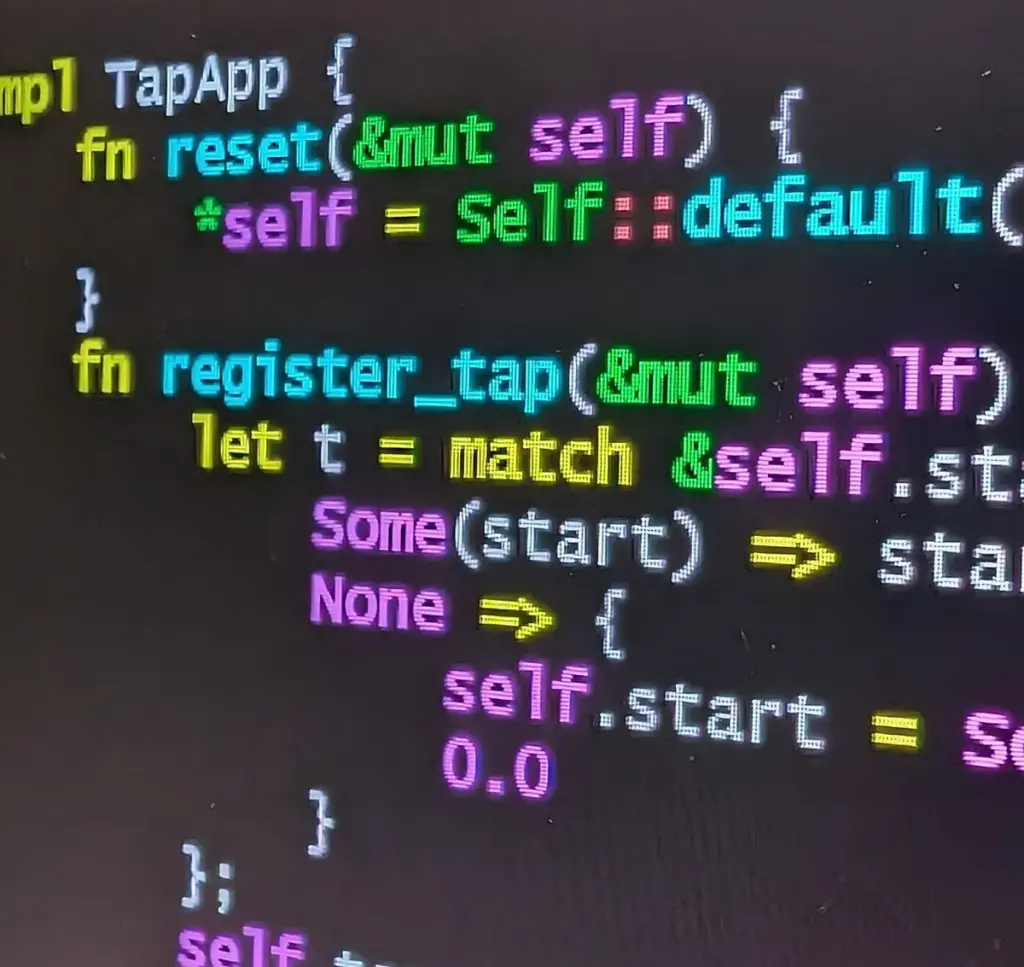
An AI coding assistant is software that uses a language model to help with programming. It can finish a line, explain an error, write a test or draft a whole function. Also, newer tools plan a task and change many files at once.
For small businesses, the common jobs are modest. For example, people use them to fix a WordPress snippet, write a spreadsheet script, or tidy a stylesheet. If you are building a site, our guide to building a WordPress website shows where custom code fits. Always keep a backup before you let any tool edit live files.
What is AI code completion?
AI code completion is the oldest layer. As you type, the tool predicts the next token, line or block and shows it in grey. You press a key to accept it, or you ignore it. Many tools also offer "next edit" suggestions, which predict where you will change code next.
This layer is fast and low risk, because you see each suggestion before it enters your file. However, it still makes mistakes, so read every accepted line. GitHub's plans page lists 2,000 completions a month on its Free plan and unlimited completions on paid individual plans, for example. Limits like these change, so check the live page.
How do AI coding agents work?
AI coding agents go beyond suggestions. Anthropic's documentation describes Claude Code as "an agentic coding tool that reads your codebase, edits files, runs commands, and integrates with your development tools". In other words, you describe a goal, and the agent plans steps, changes files, runs tests and reports back.
Agents save time on routine work, such as writing tests or fixing lint errors. However, they also act with more autonomy, so set limits:
- Use a branch. Let the agent work on a copy, never on the live site.
- Read the diff. Review every changed file before you merge.
- Run the tests. If there are none, ask for tests first.
- Limit access. Do not give an agent your production passwords.
Because agents can run commands, treat their permissions like a new team member's permissions. Our guide to AI agents for small business explains the same principle for non-coding tasks.
Where does AI code review fit in?
AI code review means asking a tool to read a change and point out bugs, risky patterns or missing tests. Some products add it to pull requests, and GitHub's plans page lists code review among the cloud features of its paid individual plans. It works as a second pair of eyes, not as a replacement for one.
Use it in a simple order. First, run your own tests. Then, ask the tool for a review and read its comments critically. Finally, have a person approve security-sensitive changes such as login, payment and file upload code. Our WordPress security checklist lists what to protect on a typical site.
Which AI coding assistants exist as of November 2026?
The names below are examples, not a ranking. Each vendor changes plans often, so use the official pages for current terms.
| Example | What its own page says (November 2026) | Source |
|---|
|—|—|—|
| GitHub Copilot | Plans listed in GitHub Docs: Free, Pro, Pro+, Max, Business and Enterprise | GitHub Docs |
|---|---|---|
| Claude Code | Agentic coding tool for the terminal, IDE extensions, a desktop app and the web; most surfaces need a Claude subscription or Console account | Claude Code docs |
| OpenAI Codex | Available in the ChatGPT desktop, mobile and web apps, a CLI, an IDE extension and Codex Cloud | OpenAI |
| Cursor | Described as "a coding agent for building ambitious software", with models from Anthropic, OpenAI and Google | Cursor docs |
If you are also comparing general chat models, see ChatGPT vs Claude vs Gemini, because several coding tools use the same underlying models.
What do AI coding assistants cost?
Prices for AI coding assistants vary by tool and plan, and many now meter usage. GitHub Docs lists Copilot Free at no cost, Pro at US$10 a month, Pro+ at US$39, Business at US$19 per seat and Enterprise at US$39 per seat, plus a Max plan at US$100. Its plan pages also describe usage in "AI credits", so a heavy agent session can use an allowance faster than light completions. Cursor's pricing page lists individual plans named Free, Plus, Premium, Super and Ultra, plus a Teams plan, and it says usage refreshes weekly and third-party models are billed at API list price.
Therefore, compare cost by how you work, not by the sticker price:
- Light use. A free tier may cover occasional questions and completions.
- Daily use. Check the allowance, and what happens when you reach it.
- Team use. Look for central billing, user management and policy controls.
- Currency. Most prices are in US dollars, so add your card's exchange cost.
What does the evidence say about speed and trust?
Be careful with productivity claims. A randomised trial by METR, posted on arXiv in July 2025, followed 16 experienced open-source developers on 246 tasks. It found that allowing AI tools increased completion time by 19 percent. That study covered early-2025 tools, the authors cautioned against generalising, and tools have changed since.
Other numbers point the other way. Stack Overflow's 2025 survey found 84 percent of respondents using or planning to use AI tools, while 66 percent named "almost right, but not quite" as their top frustration. Taken together, these results suggest that AI coding assistants help most when you can check the output quickly. So, run your own one-week test on real tasks and measure the result.
How do you check privacy, licences and security?
Read the data terms before you paste company code. GitHub Docs says that from 24 April 2026 GitHub may use interactions with Copilot Free, Pro, Pro+ and Max for AI model training, and that you can switch this off with the setting "Allow GitHub to use my data for AI model training". It also says Business and Enterprise data is not used for training. Other vendors have their own rules, so check each one.
Use this short list:
- Secrets. Never paste API keys, passwords or customer data into a prompt.
- Public code matches. GitHub offers an allow or block setting for suggestions that match public code.
- Licences. Check the licence of any large block of generated code before you publish it.
- Dependencies. Verify that every suggested package exists and is the right one.
- Personal data. If you handle customer data in Thailand, confirm your duties under the PDPA with a qualified adviser.

Are AI coding tools for beginners a good idea?
Yes, with care. AI coding tools for beginners can explain error messages, suggest simple examples and speed up repeated work. However, a beginner may not spot a subtle bug, so the tool can teach bad habits as easily as good ones.
Try this approach:
- Ask for explanations. Request a line-by-line explanation, then rewrite the code yourself.
- Start small. Use one script or one WordPress snippet, not a whole site.
- Test everything. Run the code on a copy, with sample data.
- Compare answers. Ask a second tool or a person when the result looks odd.
If you only need a simple automation, a no-code route may be safer. Our guide to Zapier vs Make vs n8n compares those options.
How do you choose among AI coding assistants?
Score each candidate against the same checklist, and write down the date:
- Editor fit. Does it work in the editor or terminal you already use?
- Scope. Completion only, chat, agents, or all three?
- Control. Can you set permissions, approve commands and review diffs?
- Data terms. Is training on your code on or off by default?
- Cost model. Flat price, credits or pay per use, and what are the limits?
- Support. Is there documentation, a status page and a clear way to report problems?
- Exit. Can you export your settings and leave without losing work?
Need help with AI coding assistants?
Develop Marketing helps businesses with social media, AI content, SEO, AEO and GEO, WordPress websites and advertising, including the website work that AI-written code often touches. We do not sell coding tools or promise results. See our services page (in Thai) or contact us.
Frequently asked questions
Some have a free tier with limits, and GitHub Docs lists a Free Copilot plan, for example. Paid plans add higher allowances and more features. Check each vendor's live page, because limits change.
Not reliably. The tools speed up routine work, but a person still needs to decide what to build, test it and own the result. The METR study above also shows that gains are not guaranteed for experienced developers.
It depends on the vendor, the plan and your settings. Read the data terms, switch off training where the setting exists, and never paste secrets or customer data.
There is no single answer. Start with a free tier of a tool that works in your editor, ask it to explain its code, and test everything. Compare two tools for a week before you pay.
Not automatically. Treat generated code like code from an unknown contributor, run security checks, and have a person review sensitive parts.
Final thoughts
AI coding assistants work best as helpers that you supervise. Use AI code completion for small gains, try AI coding agents on a branch, and add AI code review as a second check. Then compare plans and data terms by criteria, test on real tasks for a week, and keep human review where the risk is high.










