


 Krit Ariyathiti

Stripe vs PayPal is a common question for Thai freelancers and small online sellers who want to accept cards from customers at home and abroad. This guide compares Stripe fees in Thailand, PayPal fees in Thailand, currency conversion fees and the way each online payment processor pays you out, using official pages read in November 2026. In addition, it builds on our guide to PromptPay for business, which covers local bank transfers. It is general information, not financial, tax or legal advice, and fees change, so confirm every figure in your own account.
Quick answer: In any Stripe vs PayPal comparison, neither option is better for everyone, so compare them on your own mix of customers. Stripe's Thailand pricing page lists 3.65% plus 10 baht for domestic cards, 4.75% plus 10 baht for international cards and 1.65% for PromptPay. The PayPal Thailand fee page this guide could read is dated 30 August 2021, so treat its numbers as old and check the live version in your account. Therefore, decide by eligibility, payment methods, payout rules and dispute costs, not by one percentage.
Who can open an account in Thailand?
Eligibility comes first, because it decides whether a tool is even an option. Stripe's support page for Thailand lists five business types: company, registered partnership, unregistered partnership, sole proprietorship and individual. It also asks for an address in Thailand and a Thai bank account denominated in baht. For example, sole proprietors and individuals use the name on their personal ID.
PayPal's Thai fee page adds a warning that some rates may not apply if an account was opened with PayPal (Thailand) Co., Ltd. As a result, you should read the fee page that your own account shows, and ask PayPal support which entity holds your account. Also, never assume that a blog's account rules still apply.
What are Stripe fees in Thailand?
On its Thailand pricing page, Stripe lists these standard rates, as of November 2026:
| Item | Stripe standard pricing |
|---|
|—|—|
| Domestic cards | 3.65% + 10 baht per successful transaction |
|---|---|
| International cards | 4.75% + 10 baht per successful transaction |
| Currency conversion | +2% if required |
| PromptPay | 1.65% per successful transfer |
| Dispute received | 500 baht per dispute |
The page also says there are no setup or monthly fees on standard pricing. However, extra products such as invoicing, billing or fraud screening carry their own prices, so read the full list before you switch them on.
What are PayPal fees in Thailand?
Meanwhile, PayPal publishes a Thai fee page for merchants. The version this guide could read says "last updated 30 August 2021", so the figures below are old and may have changed. They are shown only to explain the structure of the fees:
- Domestic commercial transactions: 3.90% plus a fixed fee, listed as 11 baht.
- International commercial transactions: 4.40% plus the same fixed fee.
- Chargeback fee: 360 baht when a buyer disputes a card payment with the card issuer.
- Dispute fees: 250 baht at the standard rate and 500 baht at the high rate.
- Withdrawal to a Thai bank in baht: no fee at 5,000 baht or more, and 50 baht below that, when no conversion is involved.
Other PayPal fee pages for other regions show different fixed amounts, so do not copy a figure from a different country. Instead, open the live Thai page while you are logged in, and screenshot it with the date.
How do currency conversion fees work?
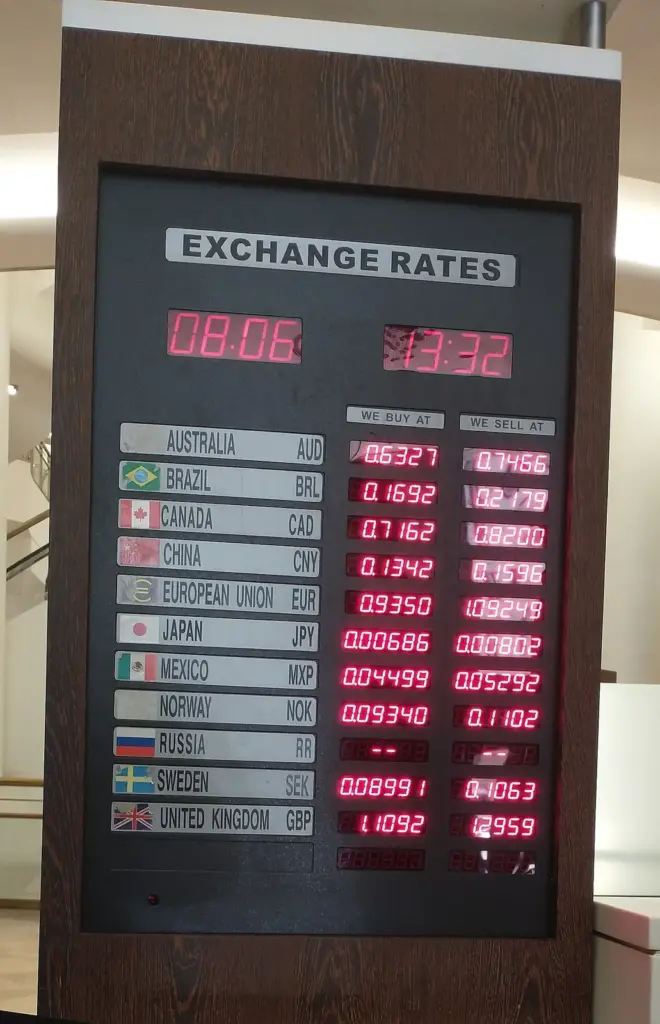
Currency conversion fees often decide the real cost for freelancers who bill foreign clients. Stripe's Thailand page lists an extra 2% when it needs to convert currency. Meanwhile, the older PayPal page lists a conversion rate set 3% above the base exchange rate in most cases, and 4% in some, such as personal payments.
Because currency conversion fees sit on top of the transaction fee, they add up. For example, a client who pays in US dollars into a baht account may trigger conversion on either platform. So, ask each provider three questions:
- Which currency do you settle in?
- Who converts, and at what margin over the base rate?
- Can you hold or receive the currency you invoice in?
Also, if you invoice abroad, our invoice template for freelancers explains how to state the currency and payment terms.
What is an online payment processor, and what else should you compare?
An online payment processor connects the customer's card or bank to your account and sends you the money, minus fees. Besides price, compare these points:
- Payment methods. Stripe's pricing page lists PromptPay for Thailand. This guide found no PromptPay option on the PayPal pages it read, so check this if many of your customers pay by QR code.
- Checkout style. Both providers offer ways to take payment on your site, so check which one your store or invoicing tool supports before you commit.
- Payout destination. Stripe asks for a Thai baht bank account, while PayPal's old page describes withdrawals to a Thai bank account in baht.
- Disputes. Both charge fees when a buyer disputes a payment, so keep proof of delivery.
- Support. Check how to reach a person and how long reviews take.
If you run a store, see our guides to starting an online store and WooCommerce for beginners, because payment options also depend on your store platform.
How much does one sale cost in Stripe vs PayPal? A worked example
The example below applies the listed Stripe fees in Thailand and the older PayPal fees in Thailand to a 1,000 baht sale. However, it is an illustration, not a quote, and it ignores any tax on the fees and any conversion.
| Method | Fee calculation | Fee |
|---|
|—|—|—|
| Stripe domestic card | 3.65% of 1,000 + 10 | 46.50 baht |
|---|---|---|
| Stripe international card | 4.75% of 1,000 + 10 | 57.50 baht |
| Stripe PromptPay | 1.65% of 1,000 | 16.50 baht |
| PayPal domestic (2021 page) | 3.90% of 1,000 + 11 | 50.00 baht |
Because a fixed fee weighs more on small sales, check it against your average order. Also, remember that a cheaper fee may still lose if buyers abandon checkout because their preferred method is missing.
When does each side of Stripe vs PayPal fit?
Still, use these as thinking aids, not verdicts:
- Mostly Thai customers who pay by bank app. Compare Stripe's PromptPay rate with a direct bank QR code.
- Mostly overseas customers. Ask your clients how they prefer to pay, because some may favour a PayPal account while others want a plain card checkout.
- Subscriptions or a software product. Look at billing features and recurring-payment support in each tool's own documentation.
- Very small or one-off sales. The fixed fee matters most, so use the calculation above.
Many sellers offer both, then watch which one customers choose. If you also take payments through marketplaces, our guide to selling on Shopee and Lazada explains how those platforms work.
What about tax and bookkeeping?
Whichever side of Stripe vs PayPal you choose, payment fees reduce what you receive, but they do not change what you owe. First, keep a monthly export of payments, fees and payouts, and match them to invoices. Our guide to accounting software for small business shows how to organise that. Then ask a qualified Thai accountant how to record foreign-currency income and processor fees.
How do you decide in a Stripe vs PayPal comparison?
Use this checklist for each provider in your Stripe vs PayPal comparison, and write down the date of every answer:
- Eligibility. Can your business type open an account in Thailand?
- Fees. What are the card, conversion and dispute charges today?
- Payment methods. Do they cover how your customers actually pay?
- Payouts. Which currency, which bank and what minimums?
- Disputes. What is the fee, and how long do you have to respond?
- Fit. Does your store or invoicing tool support it?
- Support. Can you reach a person when money is held?
Need help with Stripe vs PayPal?
Develop Marketing helps businesses with social media, AI content, SEO, AEO and GEO, WordPress websites and advertising, including online store pages that need a clear checkout. We do not process payments or give financial advice. See our services page (in Thai) or contact us.
Frequently asked questions
Yes. Stripe lists Thailand as a supported country, and its support page lists five business types, including individuals and sole proprietors. You also need a Thai baht bank account, and you should check Stripe fees in Thailand on its pricing page before you sign up.
It depends on your sales mix. Stripe fees in Thailand are listed above, while the PayPal fees in Thailand page this guide could read is dated 2021. Therefore, compare current fees in both accounts, including conversion and dispute charges.
This guide did not find PromptPay on the PayPal pages it read, but Stripe's Thailand pricing page does list it. Check PayPal's current payment-method list before you rely on either.
Usually yes, if your store tool supports both. Offering both can suit customers with different habits, but it means two sets of fees, payouts and records.
Income is generally taxable in Thailand whichever tool pays you. So confirm your own situation with a qualified accountant.
Final thoughts
Stripe vs PayPal is not a contest with one winner. Check who can open an account, read the live fee pages, add conversion and dispute costs, and match the payment methods to your customers. Then run a small test sale with your chosen online payment processor, export the records, and keep both options open until your own numbers show which one fits.










